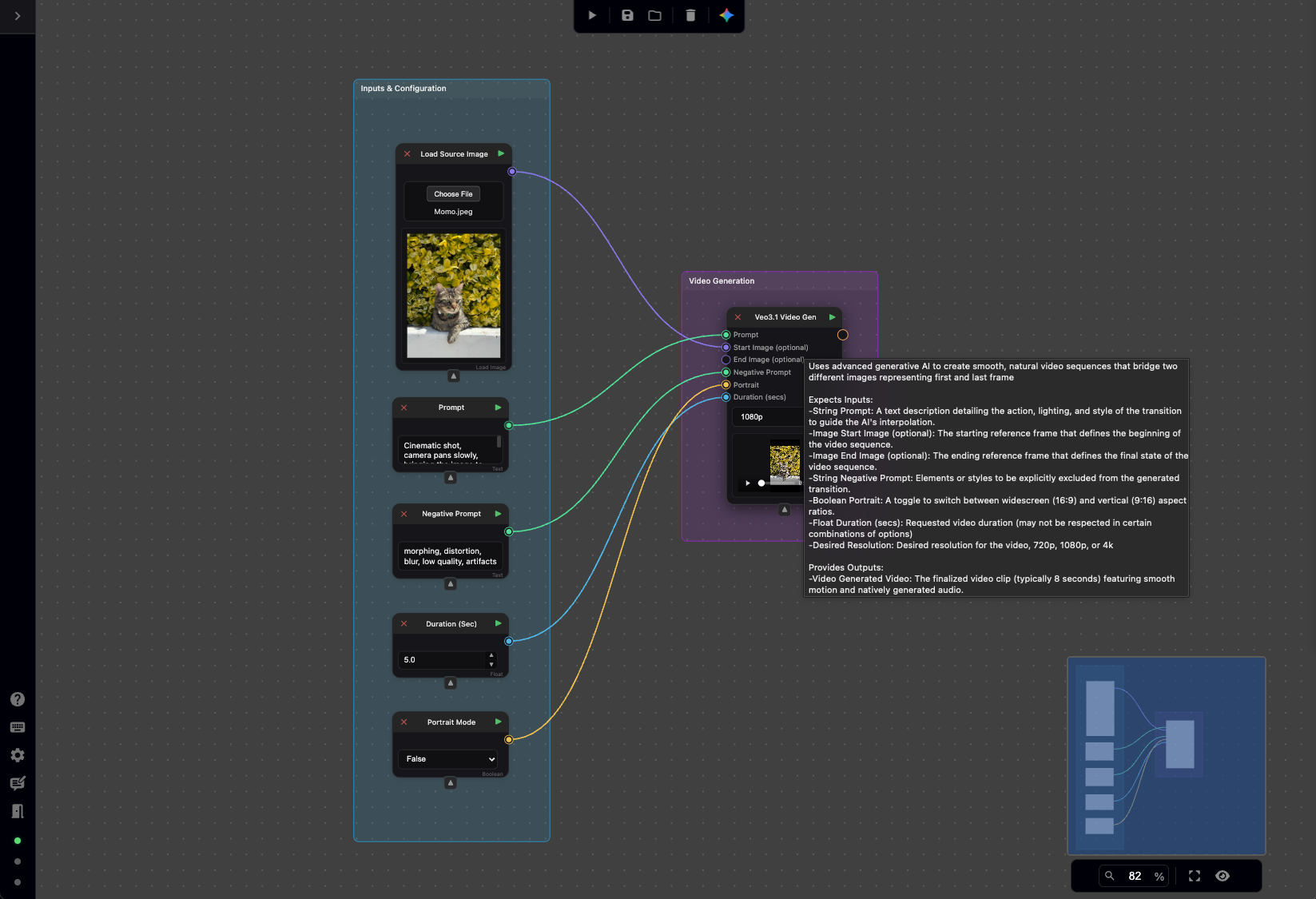
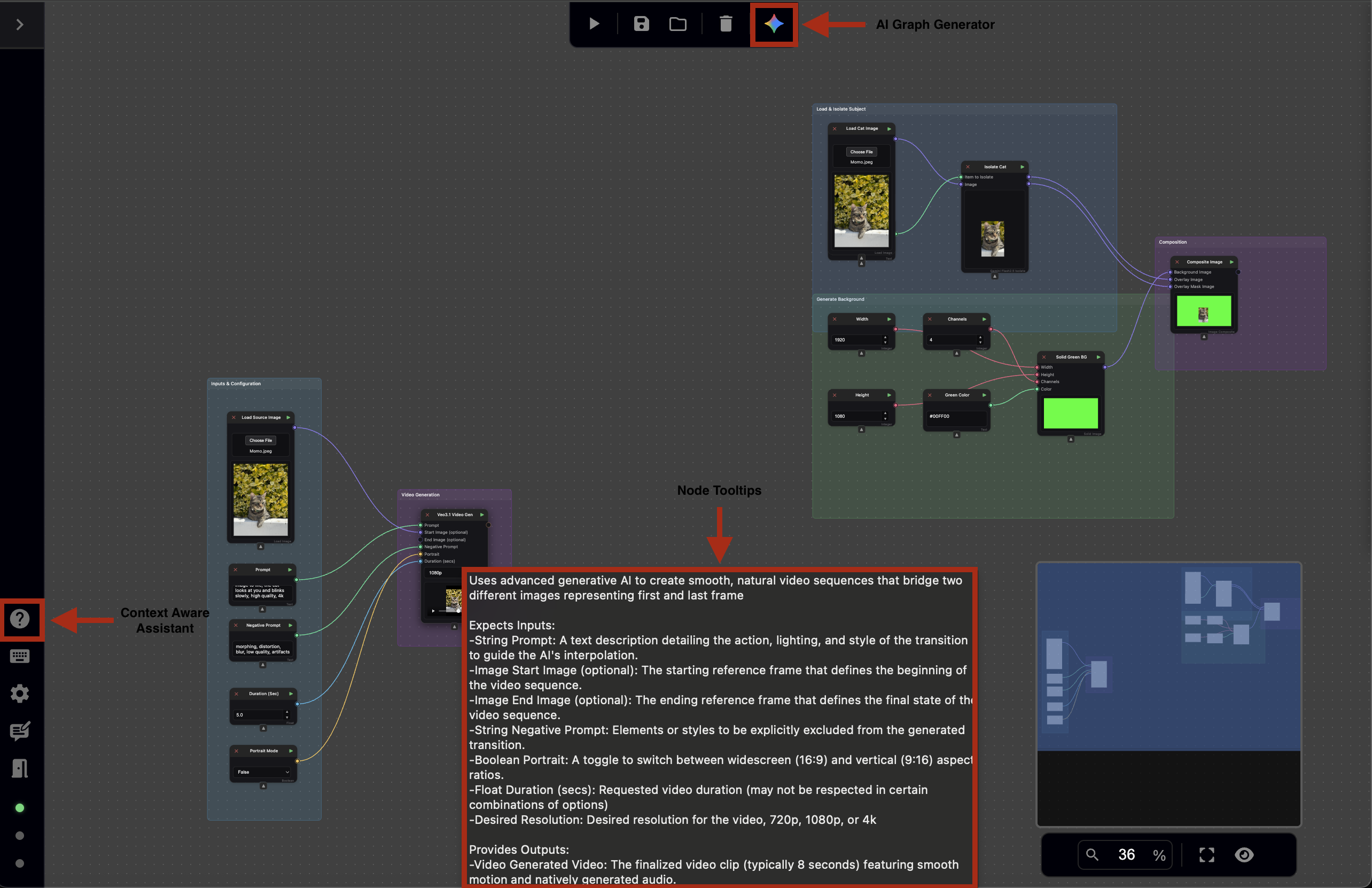
Nodey’s fundamental interactions are designed to help you learn the platform and enable quick iteration during content creation. Here are the three core features:
-
AI Graph Generator.
-
Context Aware Assistant.
-
Nodes Tooltips.
Here is a high-level overview of the location of each feature within the viewport:
Prompt-Based Node Graph Generation
The AI Graph Generator is a high-level orchestration tool that allows artists to describe a complex creative goal in natural language (e.g., ‘Take my video of a cat, upscale it to 4K, and make the cat look like a tiger using a prompt node’). The system then automatically selects, places, and connects the necessary nodes to achieve that workflow.
Context Aware Assistant
The Nodey suite also features a context-aware assistant – a chatbot powered by Google’s Gemini Flash 2.5 model to support you during content creation. The assistant can:
-
Identify specific tools, such as the image color correction node, to help with tasks like tinting.
-
Provide general workflow guidance, generate node graphs, and suggest effective image generation prompts.
-
Query the application and guide you on how to get the best out of Nodey.
-
Teach you the specific functionality and purpose of each node.
The context-aware assistant interface has an intuitive and user-friendly view. Providing the basics needed, including but not limited to:
-
Regeneration of responses.
-
Copy/paste text directly from the chat window.
-
Save chat history to local storage. The content will not be lost if refreshed.
-
Dynamic UI adjustments to fit the visibility of the canvas, independent of the aspect ratio.
The context-aware assistant can be found on the bottom-left side panel by selecting the question mark icon. Optionally, the assistance can be opened utilizing the Crtl + K shortcut.
Here’s a step-by-step guide for accessing the feature:
Node Tooltips
The tooltips are available by hovering over the body of a node; a text box will appear describing a node, its inputs, and outputs.